Choose a tier
Each seat is one license key for one computer. Delivered by email.
Bring your own AI provider account. Your data stays in your own account, you choose the model, and you pay no markup on tokens.
Instant download after checkout. See our refunds and cancellation policy.
Doesn't work as described? Email info [at] a4a [dot] tools and I'll fix it or send a replacement. No refund needed, just a working tool.
Muhandis
Muhandis puts an AI engineer on the AutoCAD command line.
What Muhandis does
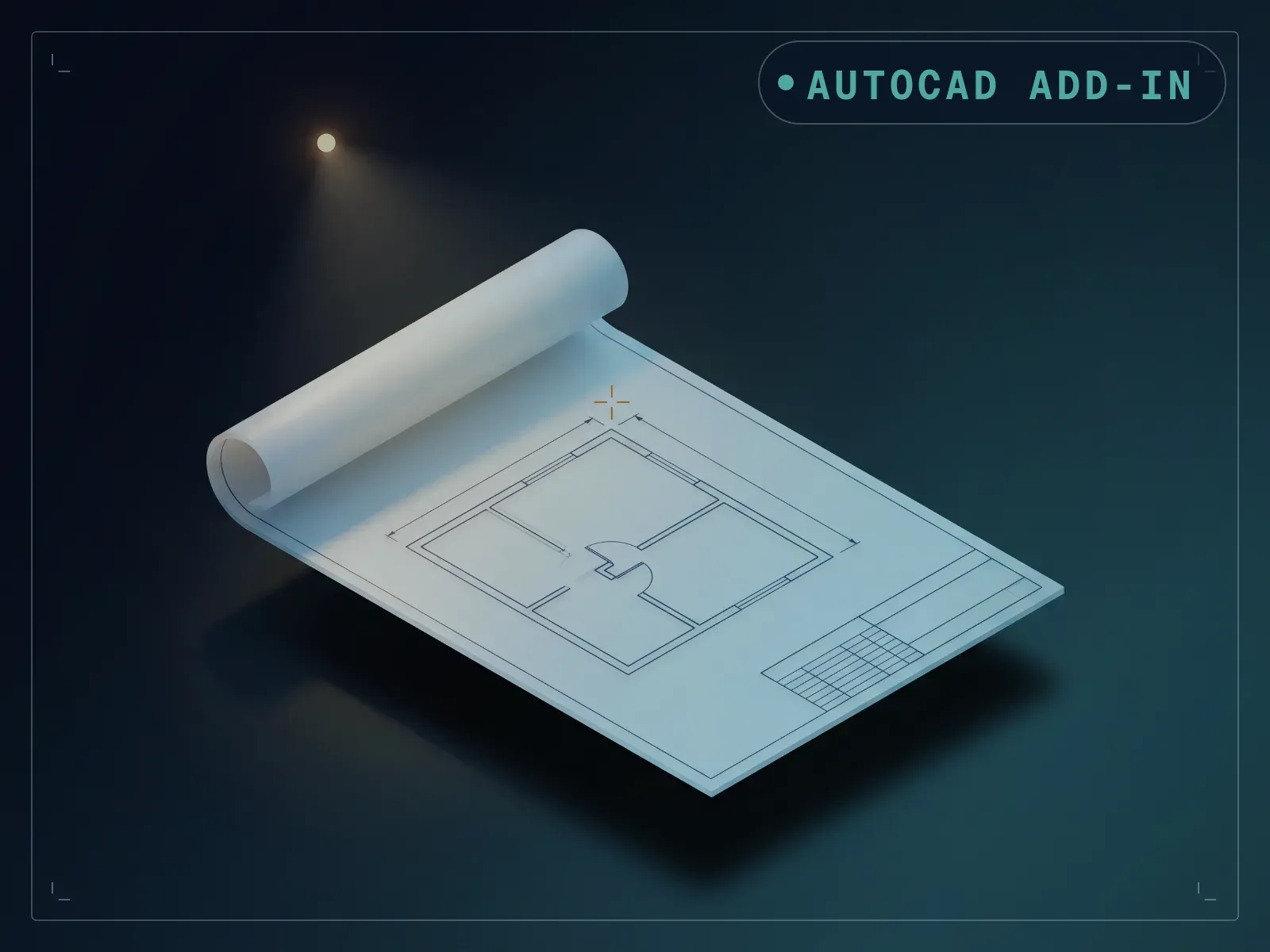
Muhandis (Arabic for engineer) is a compiled AutoCAD add-in that puts an AI engineer on the command line: ask it to clean layers, draw and dimension, query the drawing, or run the everyday drafting in plain language, and review every change before it lands. From the maker of the a4a.tools library, it works with the AI account you already have.
What is included with Muhandis
- Muhandis: an AI engineer on the AutoCAD command line and a docked palette
- Fifty drafting tools: query, draw, dimension, and manage layers, blocks and attributes
- Review-before-apply on every change, with the whole task as one undo entry
- Reports straight to Downloads: CSV, Excel, PDF, PowerPoint, Word, and plot to PDF
- Works with your own AI provider account
- From the maker of the a4a.tools library
- One-time purchase. You own it, no subscription.
What you are buying with Muhandis
- You pay once. The licence is permanent, there is no subscription, and it does not expire.
- A licence is per seat and locked to one computer. Buy the number of seats you need and each one activates on a single machine.
- Every 1.x update is included. Fixes and new features arrive at no extra cost for the whole of version 1.
- A future version 2.x will be a separate, paid upgrade. Staying on version 1 stays free for as long as you want it.
Questions about Muhandis
How is it delivered?
As a per-user installer, no admin rights needed. Your download link arrives by email after purchase, and the engineer then lives on the AutoCAD command line.
Does it work with AutoCAD LT?
No. AutoCAD LT cannot load .NET add-ins. Muhandis needs full AutoCAD 2025 or newer, Windows 64-bit.
Does it change my drawing without asking?
No. Every change shows a plan you approve first, lands as one undo entry, and rolls back if declined. A read-only mode refuses writes entirely.
Do I need my own AI provider account?
Not always. Muhandis works with your own AI provider account: Anthropic, Google Gemini, OpenAI or Ollama, and you pay that provider directly. You can also run a model locally on your own machine, which needs no account and no key and sends nothing off the computer. Either way, model access is not resold through a4a.tools.