Instant download after checkout. See our refunds and cancellation policy.
Doesn't work as described? Email info [at] a4a [dot] tools and I'll fix it or send a replacement. No refund needed, just a working tool.
Parametric Timber Wall Generator
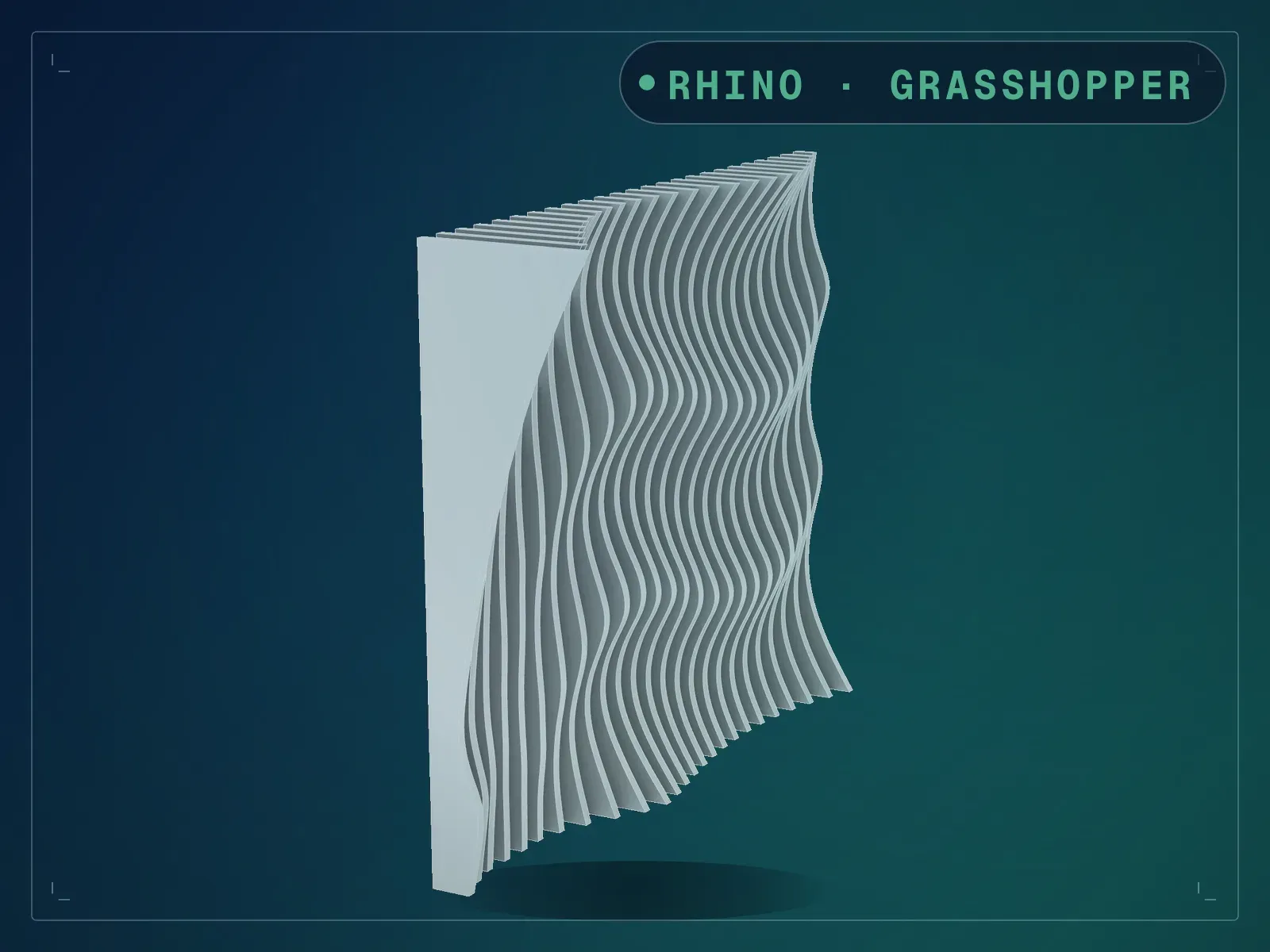
Parametric Timber Wall Generator builds a twisting louver wall in Grasshopper, with its cutting profiles.
What Parametric Timber Wall Generator does
A wall of vertical timber louvers where each louver twists by a different amount, so the wall reads as a moving field rather than a row of fins. What drives the twist is a switch with three settings, and all three are wired and working in the file you get: a curve you draw, a point with a graph mapper shaping its falloff, or an image sampler with an image already loaded. Flick between them and the same wall re-forms: at the shipped settings the point gives a wall 195 mm deep, the image 356 mm, the curve 565 mm, off the same 2383 by 2000 surface. The part that earns its keep once the design is settled is the second output: switch on 2D Sections of Louvres and every louver is laid out flat, one profile per piece, ready for a CNC router or laser. Native Grasshopper throughout, nothing to install.
Parametric Timber Wall Generator screens
-
Built as a lobby feature wall -
The same wall behind a reception desk -
A 25 louver wall driven by a point attractor -
The same wall driven by a curve attractor -
The same wall driven by an image sampler -
Louvers twisting through the attractor field -
Every louver flattened for cutting -
The main controls in Grasshopper -
The whole definition in Grasshopper
What is included with Parametric Timber Wall Generator
- Parametric Timber Wall.gh: the definition, 168 objects in thirty-six groups, thirty-one of them named, with all three attractor branches built and an image already loaded in the sampler
- README.md: the Parametric Timber Wall Generator parameter list, requirements and licence terms
How Parametric Timber Wall Generator works
- 01
Open the .gh in Rhino 8 (Grasshopper 1, no plugins needed).
- 02
Set Length and Height of Surface, then Number of Louvers and Width of Louvres.
- 03
Pick Curve, Point or Image on the Attractor list. Each branch has its own inputs already set up.
- 04
On the Curve setting, Minimum and Maximum Extrusion set how far the louvers travel. On Point and Image the depth comes from that branch's own sliders instead. Resolution changes the shape, not only the smoothness, so settle it before you settle the depth.
- 05
Switch on 2D Sections of Louvres and bake the flat profiles for cutting.
Parametric Timber Wall Generator parameters
The sliders and inputs Parametric Timber Wall Generator exposes.
Questions about Parametric Timber Wall Generator
What exactly is in the download?
Two files: the .gh definition and a README. There is no sample .3dm and no installer. The .gh is large, about 5.7 MB, because the image for the sampler is stored inside it, so image mode works the moment you open the file.
Do I have to pick one attractor mode and rebuild for the others?
No. All three branches are built and solving in the file. The Attractor list switches which one feeds the wall, so you can compare them in seconds. The third, fourth and fifth images on this page are the same wall on the three settings.
Are the 2D sections really cut-ready?
They are the flattened profile of each louver, one closed curve per piece, laid out in a row. At the shipped settings that is 25 profiles across about 6.8 m. You still nest them and add tool compensation in your CAM software: this hands you the true profiles rather than a drawing to trace.
Can I use my own curve or image?
Yes. Right-click Select Curves or Select Point to set your own geometry, and open the Image Sampler to load a different image.
Do I need any plugins?
No. It runs on native Grasshopper 1 in Rhino 8.
Related tools
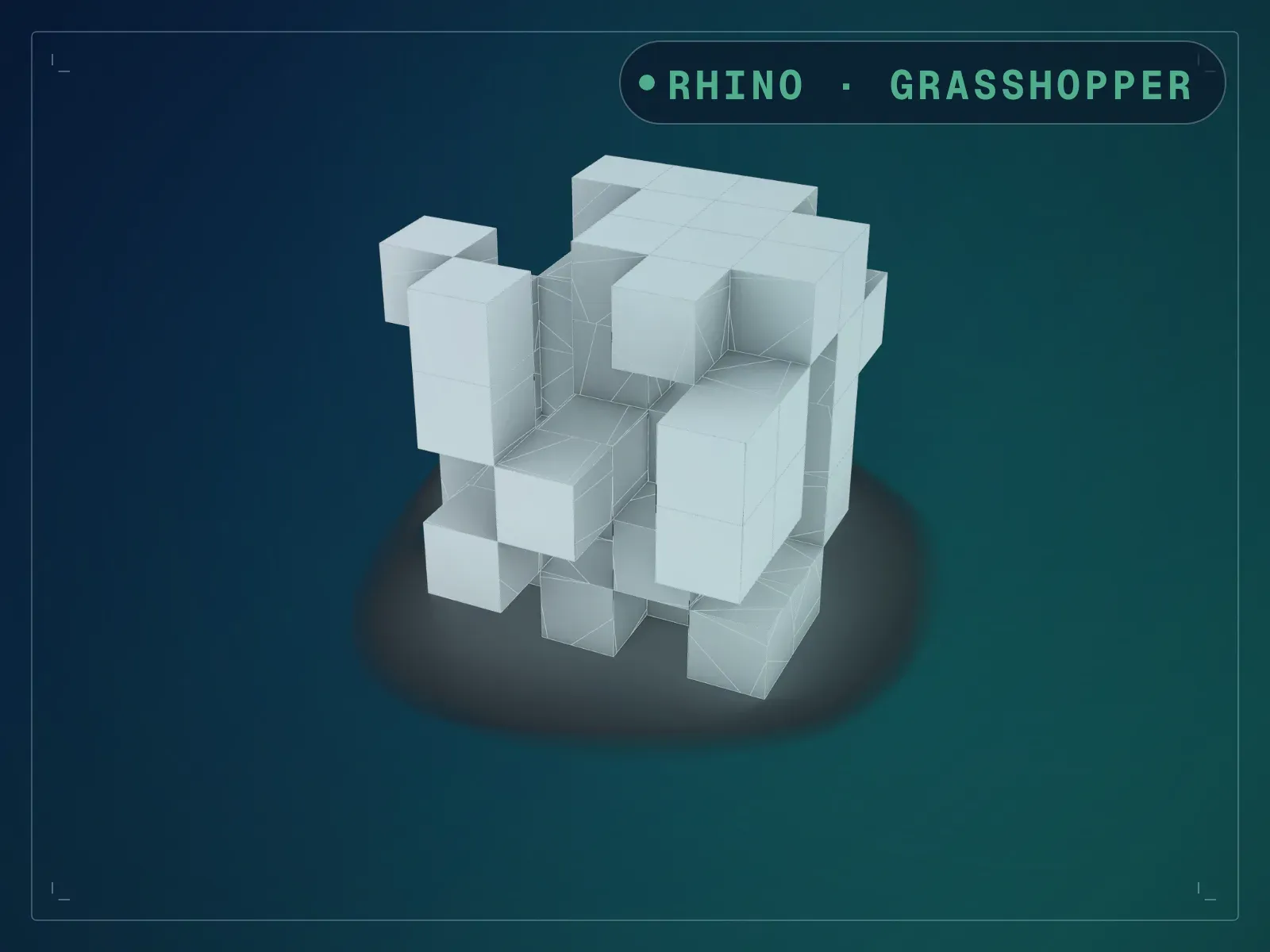
Boxified Form Generator Pro
Boxified Form Generator Pro builds massing studies in Grasshopper from a 3D grid of boxes.
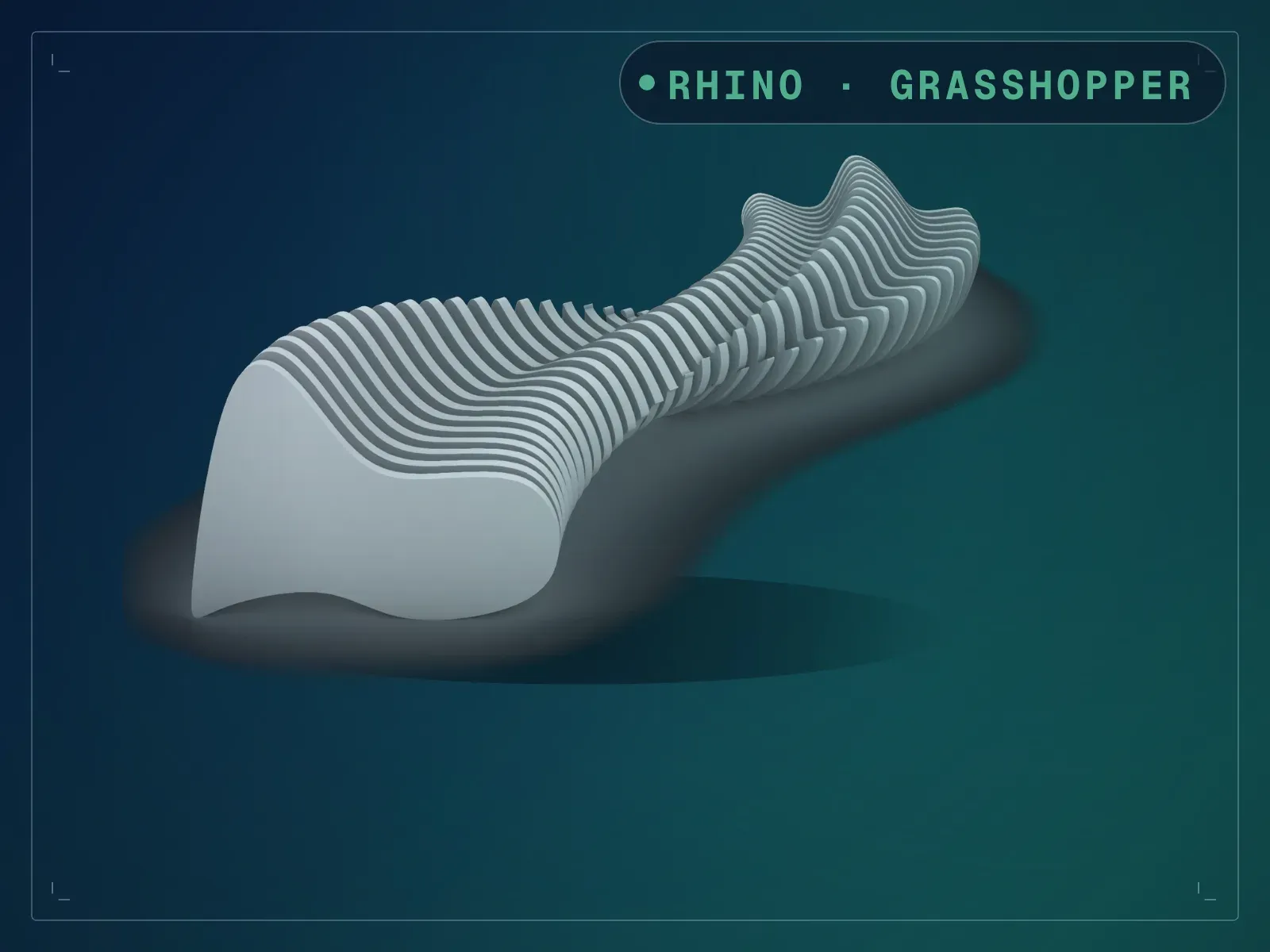
ComfyNES Parametric Bench (Two-Profile)
ComfyNES Parametric Bench (Two-Profile) lofts a slatted bench along a rail in Grasshopper.
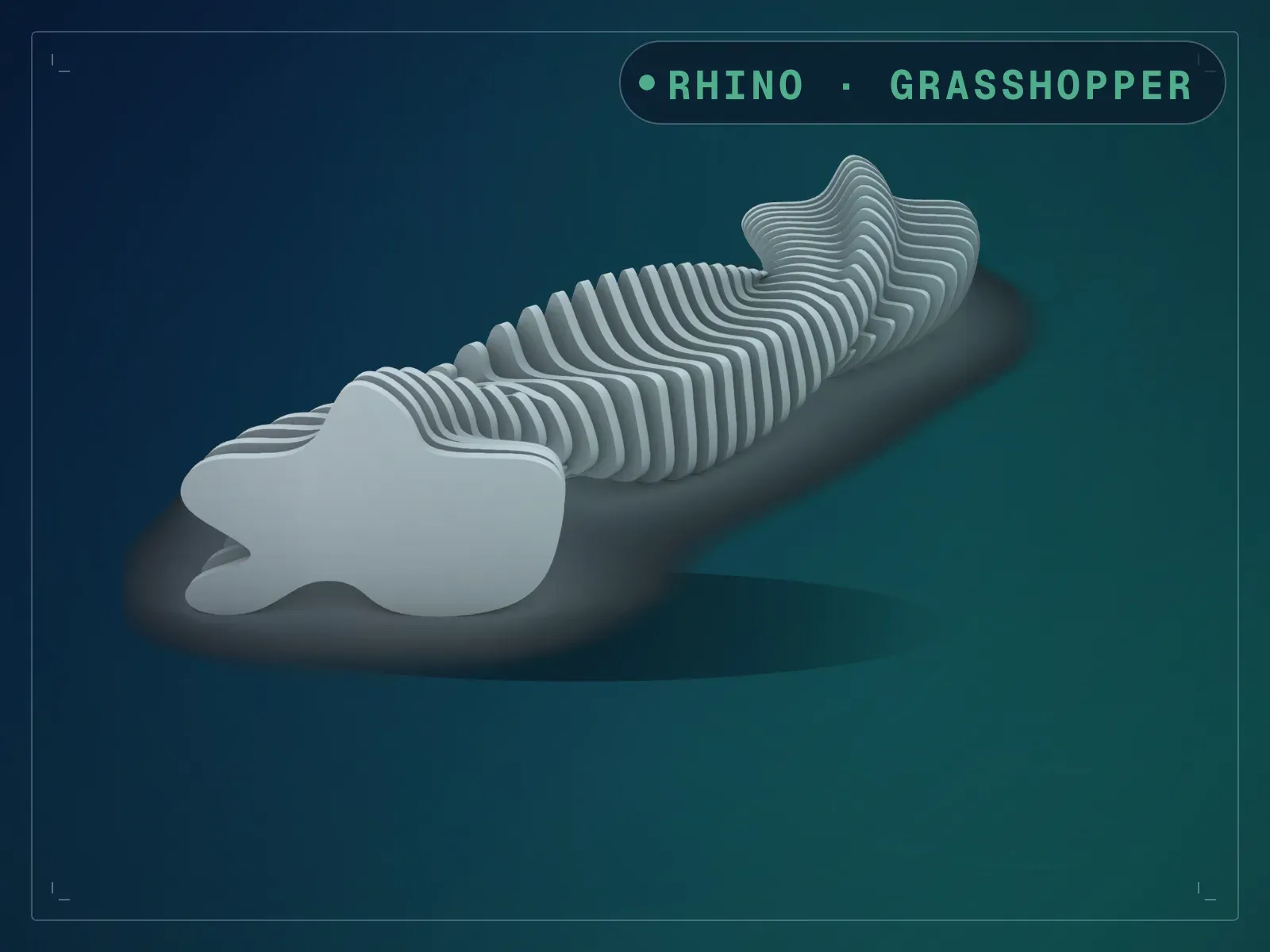
ComfyNES Parametric Bench (Three-Profile)
ComfyNES Parametric Bench (Three-Profile) is a Grasshopper bench that changes shape along its length.