Boxified Form Generator Pro
Massing studies built from a 3D grid of boxes.
Instant download after checkout. All sales final. Digital products are non-refundable.
Doesn't work as described? Email hayder [at] hayderalbeer [dot] com and I'll fix it or send a replacement. No refund needed, just a working tool.
Version 1.0 · Prepared 2026-07
Demo
Screens
-
Built out at golden hour -
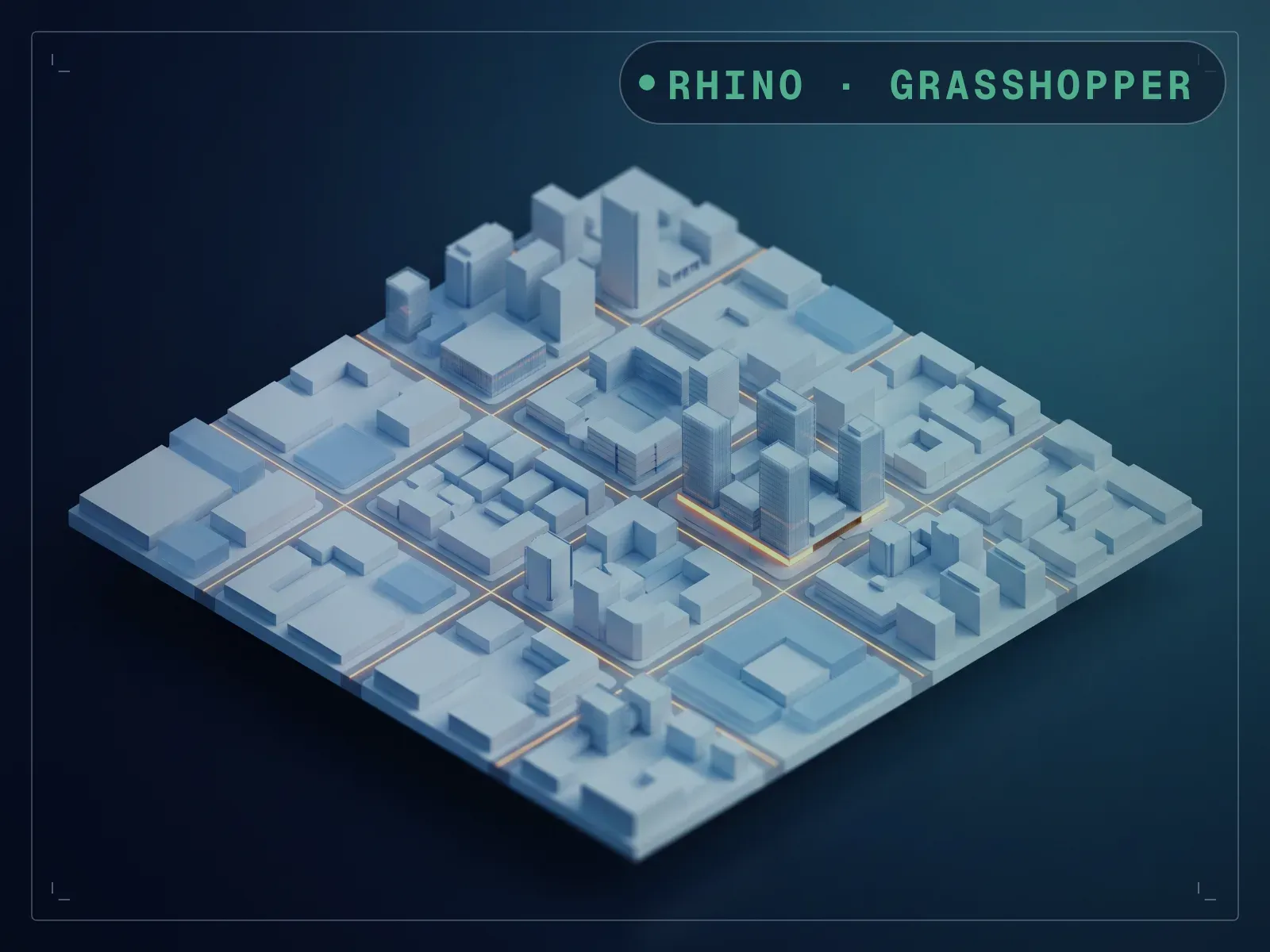
The same massing on a city plaza -
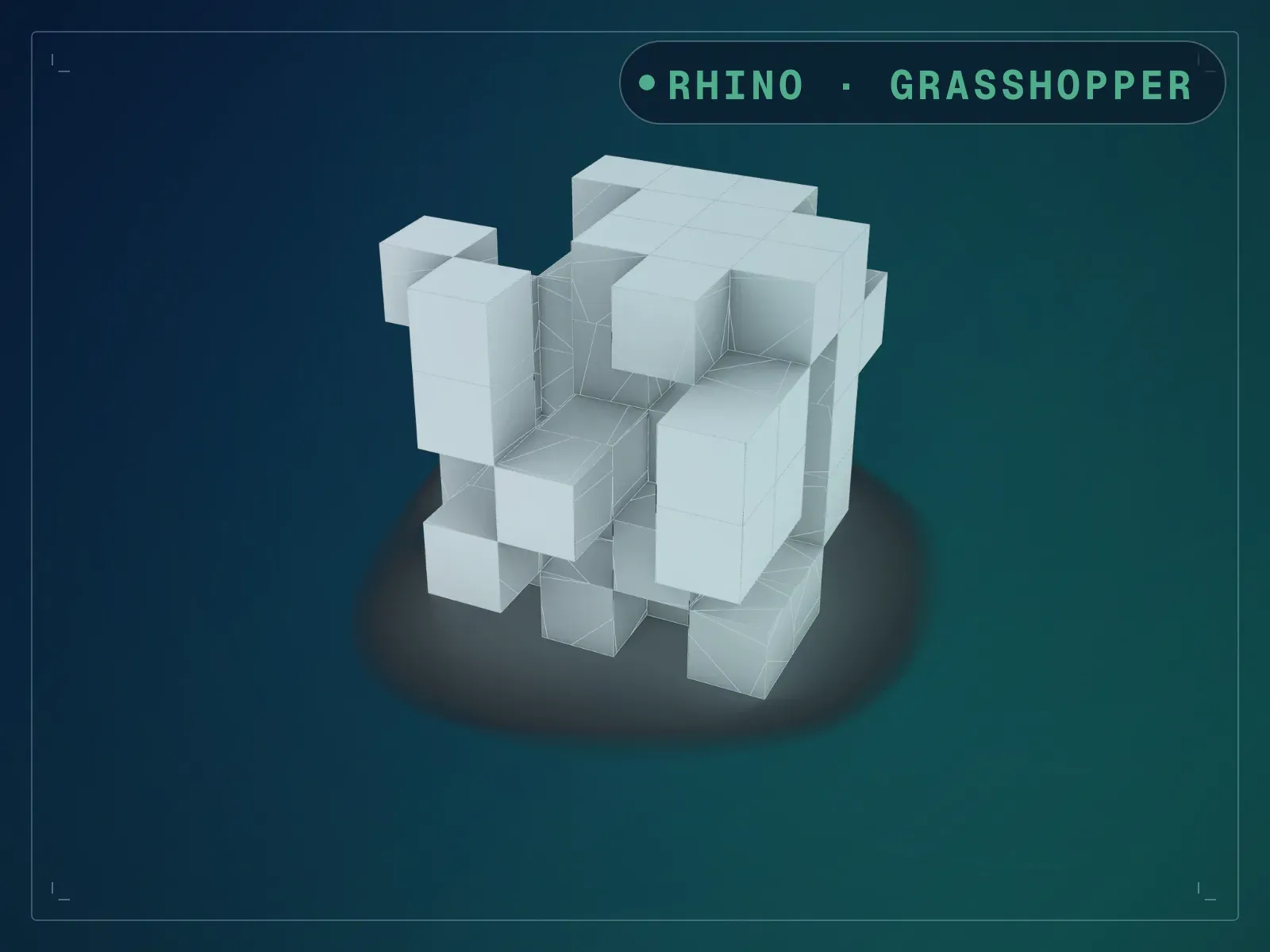
A 5x5x5 grid with 66 boxes removed at random -
Every box cut by a rotated copy of itself -
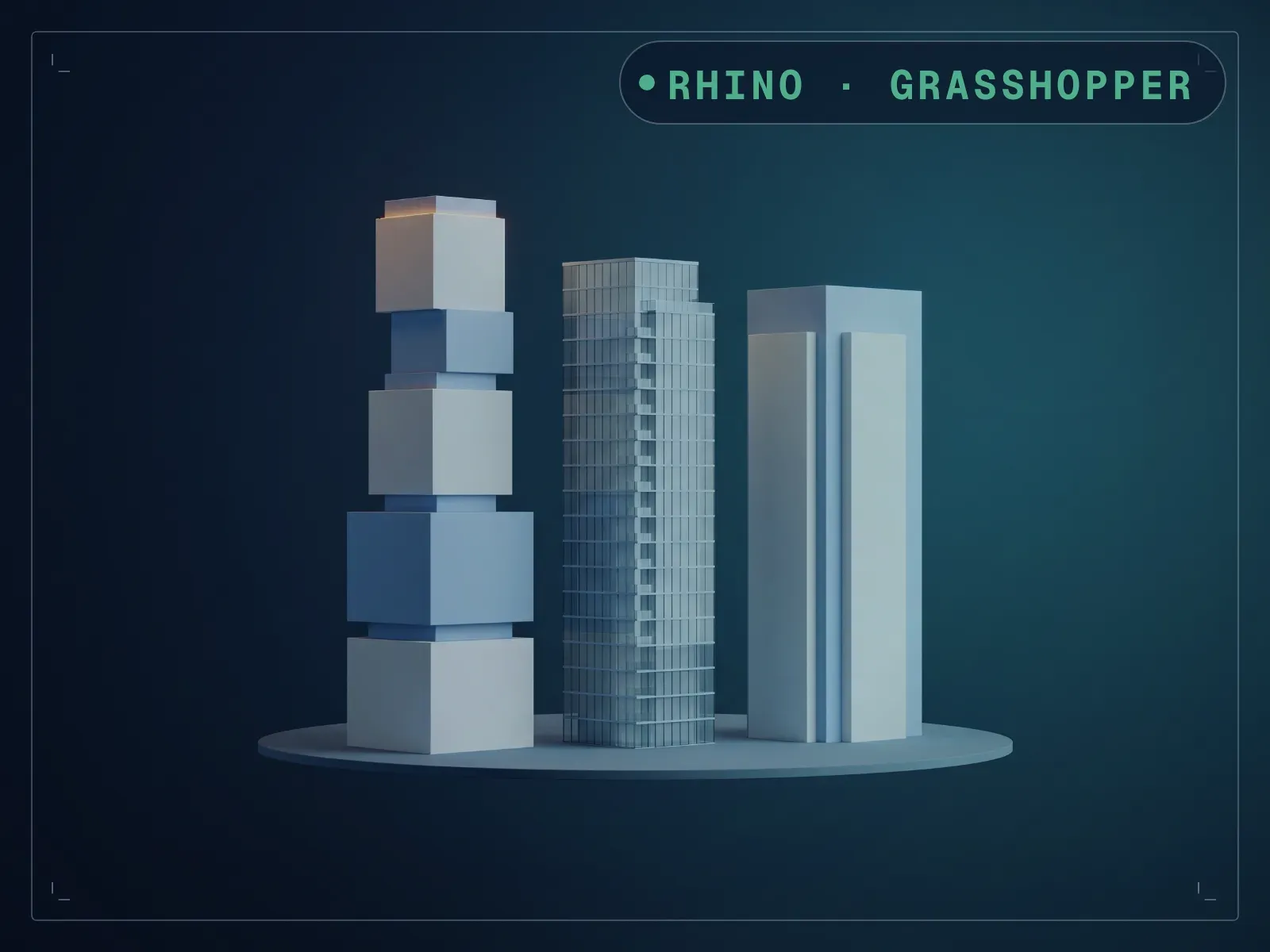
A 4x4x9 tower from the same definition -
An 8x8x2 slab from the same definition -
The ten sliders in Grasshopper -
The whole definition in Grasshopper
What it does
Boxified Form Generator Pro builds a massing study from a three-dimensional grid of boxes, then breaks that grid up in two ways. First it deletes a number of boxes at random, so a solid block becomes a composition with gaps, notches and overhangs; a seed decides which boxes go, so you can cycle through arrangements without touching anything else. Then it takes each box that survived, makes a slightly larger copy of it, rotates that copy on all three axes by random angles, and cuts the original with it — which is where the faceted lines across the faces come from. Ten sliders drive the whole thing: three for the box dimensions, three for the grid counts, two for the reduction and its seed, two for the cut. Everything updates live in Rhino, so you can sweep a seed and watch twenty arrangements go past before committing to one, then bake the result to Rhino breps and detail it by hand.
What is included
- Boxified Form Generator Pro.gh — the definition itself, 57 components in four named groups
- README.md — parameter list, requirements and licence terms
How it works
- 01
Open the .gh in Rhino 8 (Grasshopper 1, no plugins needed).
- 02
Set the box dimensions and the three grid counts.
- 03
Raise Box Reduction until the massing opens up, then sweep Box Seed for a different arrangement.
- 04
Adjust Pattern Scale and Pattern Seed to change how each box is cut.
- 05
Bake the result to Rhino breps and detail by hand.
Parameters
The sliders and inputs the tool exposes.
Questions about this product
What exactly is in the download?
Two files: the .gh definition and a README. There is no sample .3dm and no installer — you open the .gh in Grasshopper and the geometry appears in your own Rhino document.
What does Box Reduction do?
It deletes boxes from the array at random. The number is a count, not a percentage: at the default 66 on a 5×5×5 grid, 66 of the 125 boxes are removed and 59 remain. Box Seed decides which ones.
Why are there cut lines across the box faces?
Each box is split by a rotated copy of itself. Pattern Scale sets how much bigger that copy is, and Pattern Seed sets its three rotation angles. Turn Pattern Scale down towards 1.0 for a quieter surface.
Can I control each box individually?
Not from the sliders — they drive the grid globally. Once baked, the boxes are ordinary Rhino breps you can edit one at a time.
Do I need any plugins?
No. It runs on native Grasshopper 1 in Rhino 8, so there is nothing extra to install.