RBX Building Generator
A residential tower of stacked units, balconies and frames.
Instant download after checkout. All sales final. Digital products are non-refundable.
Doesn't work as described? Email hayder [at] hayderalbeer [dot] com and I'll fix it or send a replacement. No refund needed, just a working tool.
Version 1.0 · Prepared 2026-07
Screens
-
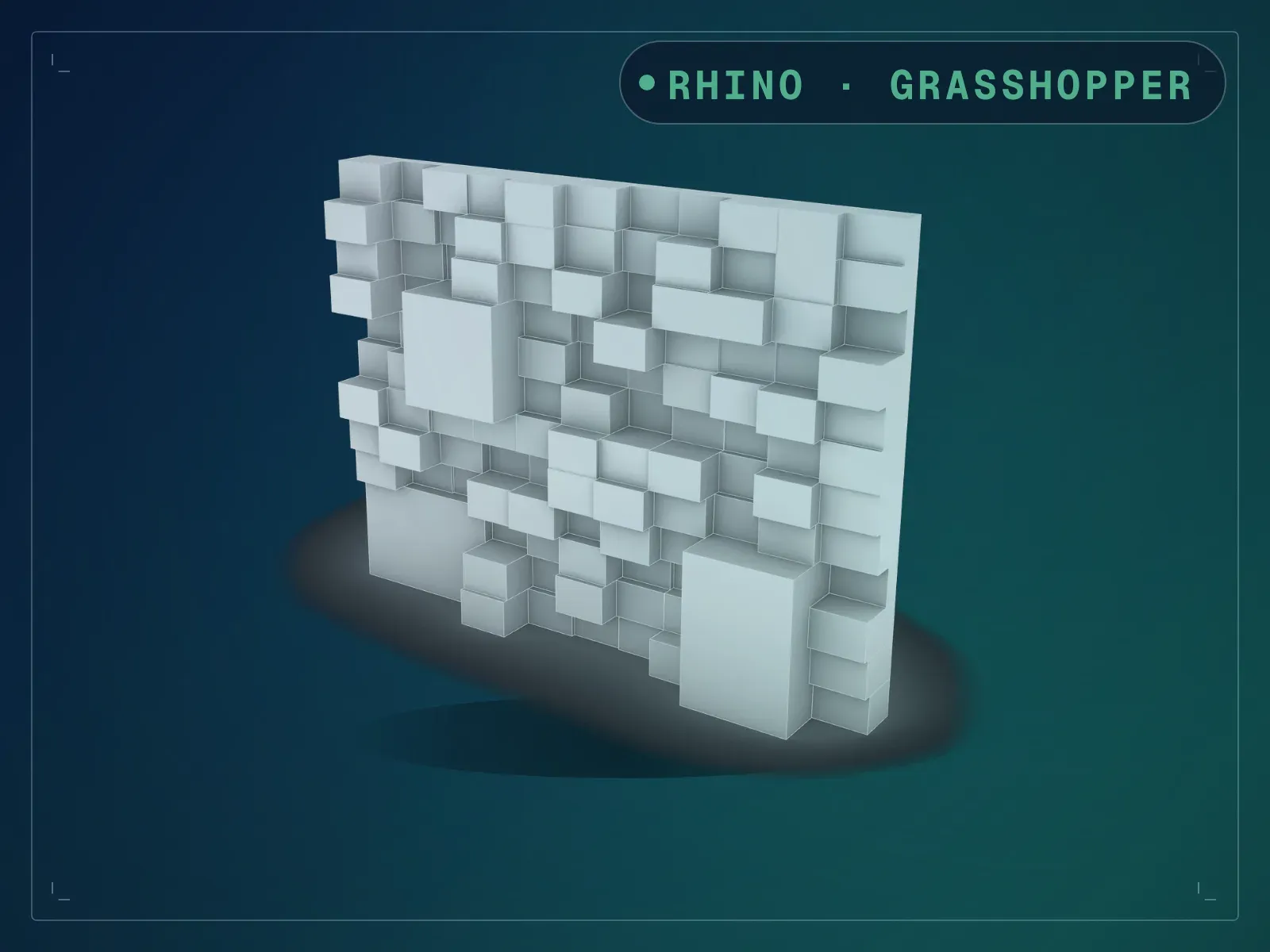
Built out as a residential tower -
The same tower at dusk -
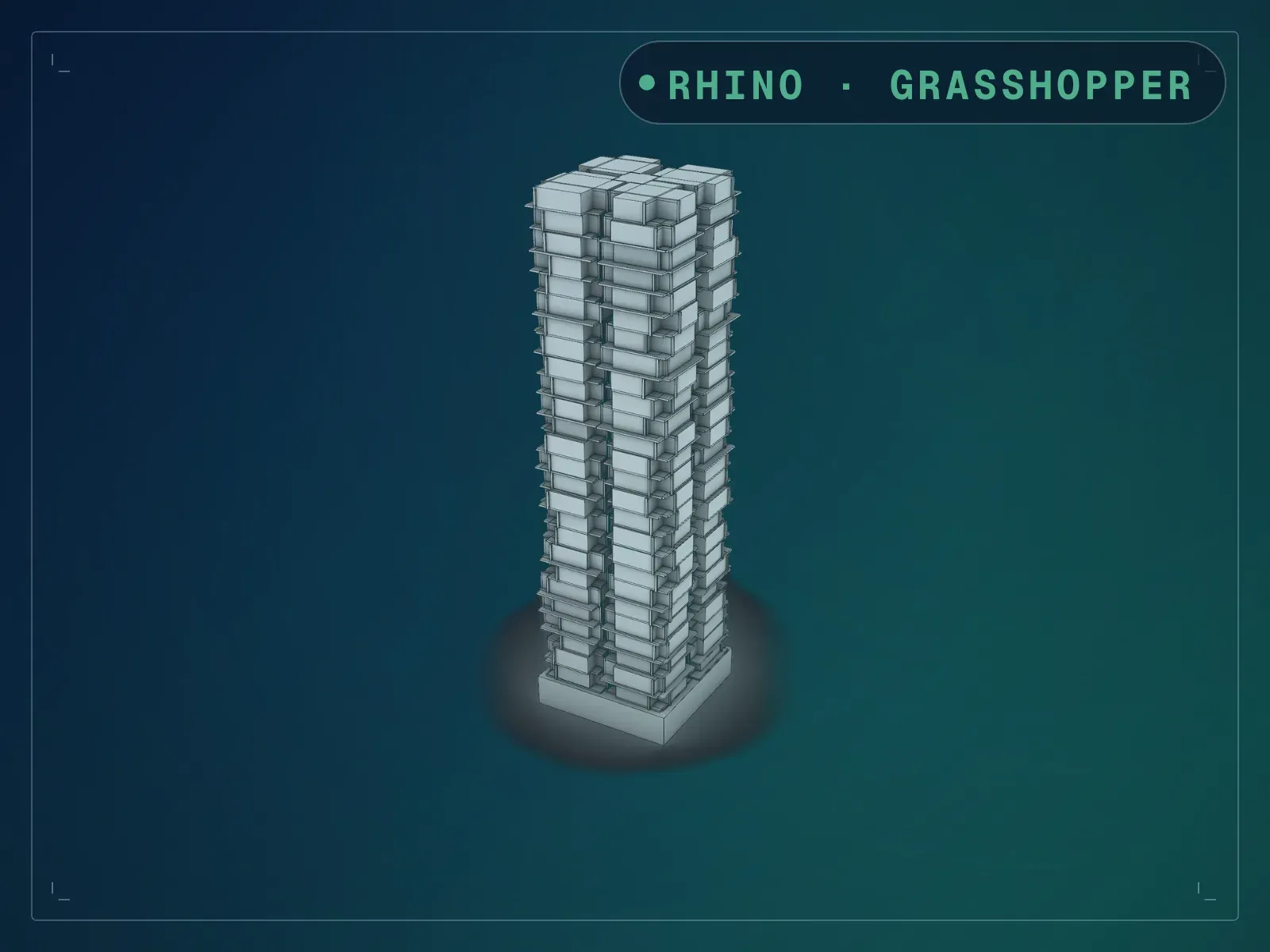
A 26 storey tower from the default settings -
Core podium units balconies and frames -
Staggered units with cantilevered balconies -
One python component and its named inputs
What it does
RBX Building Generator is one Python 3 component with twenty-two named inputs, and it builds a whole residential tower from them: a podium, a core, a stack of staggered unit boxes, a cantilevered balcony on every unit and a frame around every balcony. Each of those comes out on its own output, so you can bake the units to one layer and the balconies to another without untangling anything. At the settings it ships with you get a 26-storey tower 99.6 m tall — 26 levels at 3.6 m on a 6 m podium, which is exactly what the geometry measures — with 208 units, 208 balconies and 208 frames. Depth varies between a minimum and a maximum, units jitter off the grid by a controllable amount, and a seed redeals the whole arrangement. Because everything is driven by one script rather than a canvas full of components, changing the tower means moving a slider, not rewiring.
What is included
- RBX Building Generator.gh — the definition, one Python 3 component with 22 inputs and 7 outputs
- README.md — parameter list, requirements and licence terms
How it works
- 01
Open the .gh in Rhino 8. The Python 3 component is part of Rhino 8, so there is nothing to install.
- 02
Set Levels, LevelH and PodiumH for the height you need.
- 03
Set BoxWidth, DepthMin, DepthMax and PairGap for the unit plan, then push JitterX for a looser stack.
- 04
Sweep Seed until the arrangement reads right.
- 05
Bake Core, Podium, Boxes, Balconies and Frames separately — each has its own output.
Parameters
The sliders and inputs the tool exposes.
Questions about this product
What exactly is in the download?
Two files: the .gh definition and a README. There is no sample .3dm and no installer.
Why does it need Rhino 8 specifically?
The whole tower is built by a Python 3 script component, which arrived with Rhino 8. Rhino 7 has IronPython only and will not run it.
The sliders on the canvas have no names. How do I know which is which?
They carry Grasshopper’s default labels; the names are on the script’s inputs, which each slider plugs into — Levels, LevelH, BoxWidth and so on. Follow the wire, or read the input list above in canvas order. Sixteen inputs are wired from fifteen widgets, because one slider feeds both FrameW and FrameD.
The Slabs output is empty. Is that a fault?
At the settings the file ships with, the Slabs output returns nothing while Core, Podium, Boxes, Balconies and Frames all return geometry. SlabThk still drives the unit stack. Bake from the five outputs that carry geometry.
Do I need any plugins?
No. Everything is native to Rhino 8.