WallDimension
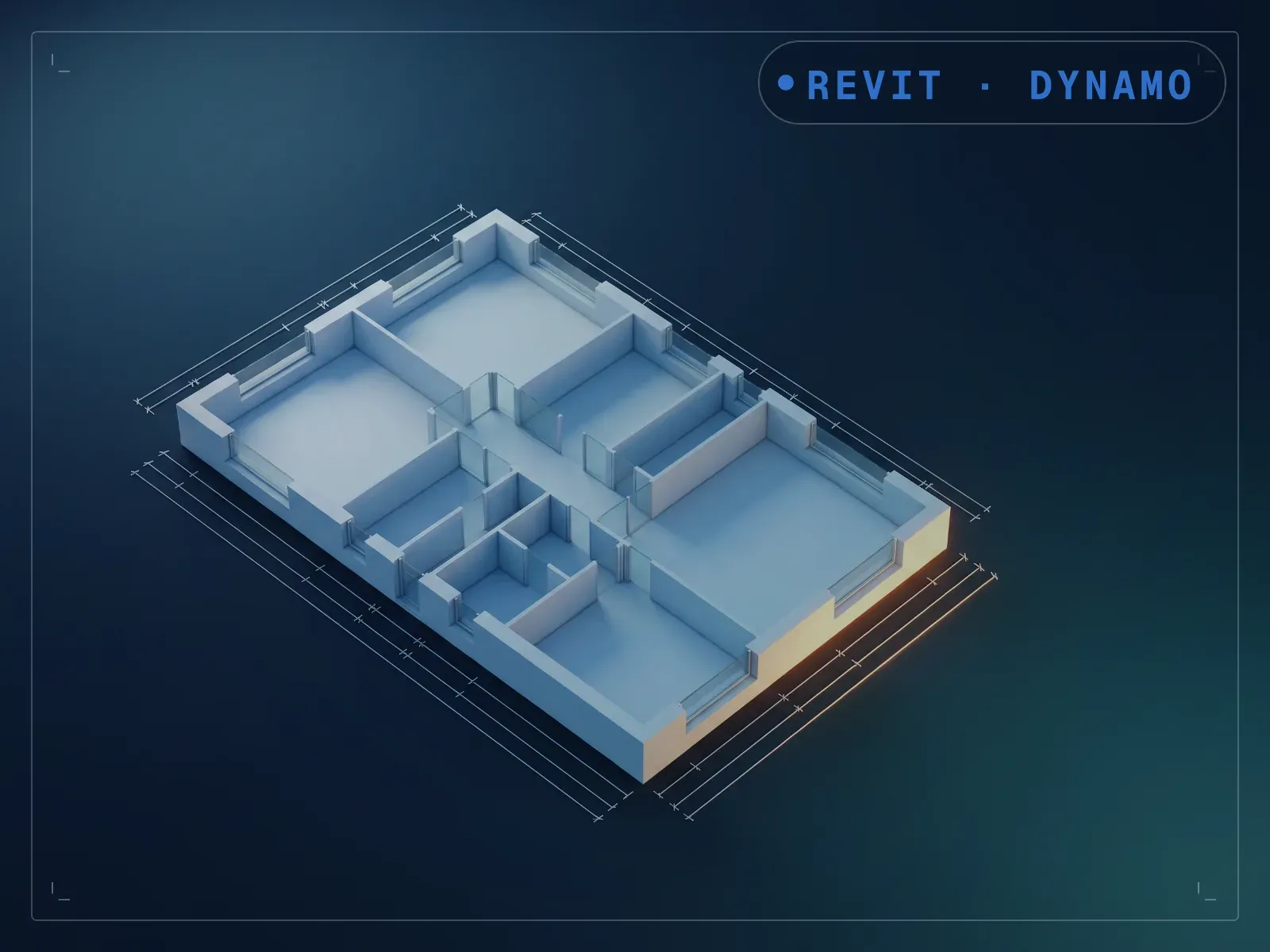
Auto-dimension a full level's outer and interior walls.
Instant download after checkout. All sales final. Digital products are non-refundable.
Doesn't work as described? Email hayder [at] hayderalbeer [dot] com and I'll fix it or send a replacement. No refund needed, just a working tool.
Version 1.0 · Prepared 2026-07
Demo
What it does
Dimensioning a full level's walls by hand, outer envelope and every interior partition, is one of the slower steps before a set can issue. WallDimension dimensions the outer envelope and interior partition walls across a whole level in one run, the same engine behind RoomDimension applied at level scale. Select the level, run it, and review the dimensions it places. A level's worth of manual dimensioning becomes a single run instead of room-by-room strings; RoomDimension covers one room at a time, while this covers an entire level in a single pass.
What is included
- Outer wall and interwall dimensions whole Level Final.dyn — the graph itself
- RoomWallDimNonFun.dyf — the custom node the graph depends on, bundled so you do not have to hunt for it
- README.md — parameter list, requirements and licence terms
How it works
- 01
Launch Dynamo Player from the Manage tab.
- 02
Select the WallDimension graph.
- 03
Select the level to dimension and run it.
- 04
Review the dimension strings it places across the level.
Parameters
The sliders and inputs the tool exposes.
Questions about this product
How is this different from RoomDimension?
Same underlying engine, different scope: RoomDimension works one room at a time, WallDimension covers an entire level in a single run.
Do I need to know Dynamo?
Barely, day to day. It runs from Dynamo Player: select the level, run, and review the dimensions. One-time setup: install three free packages from Dynamo's Package Manager (Spring Nodes, Genius Loci, and Clockwork), which this graph uses.