RoomDimension
Auto-dimension a room's walls in one run.
Instant download after checkout. All sales final. Digital products are non-refundable.
Doesn't work as described? Email hayder [at] hayderalbeer [dot] com and I'll fix it or send a replacement. No refund needed, just a working tool.
Version 1.0 · Prepared 2026-07
Demo
What it does
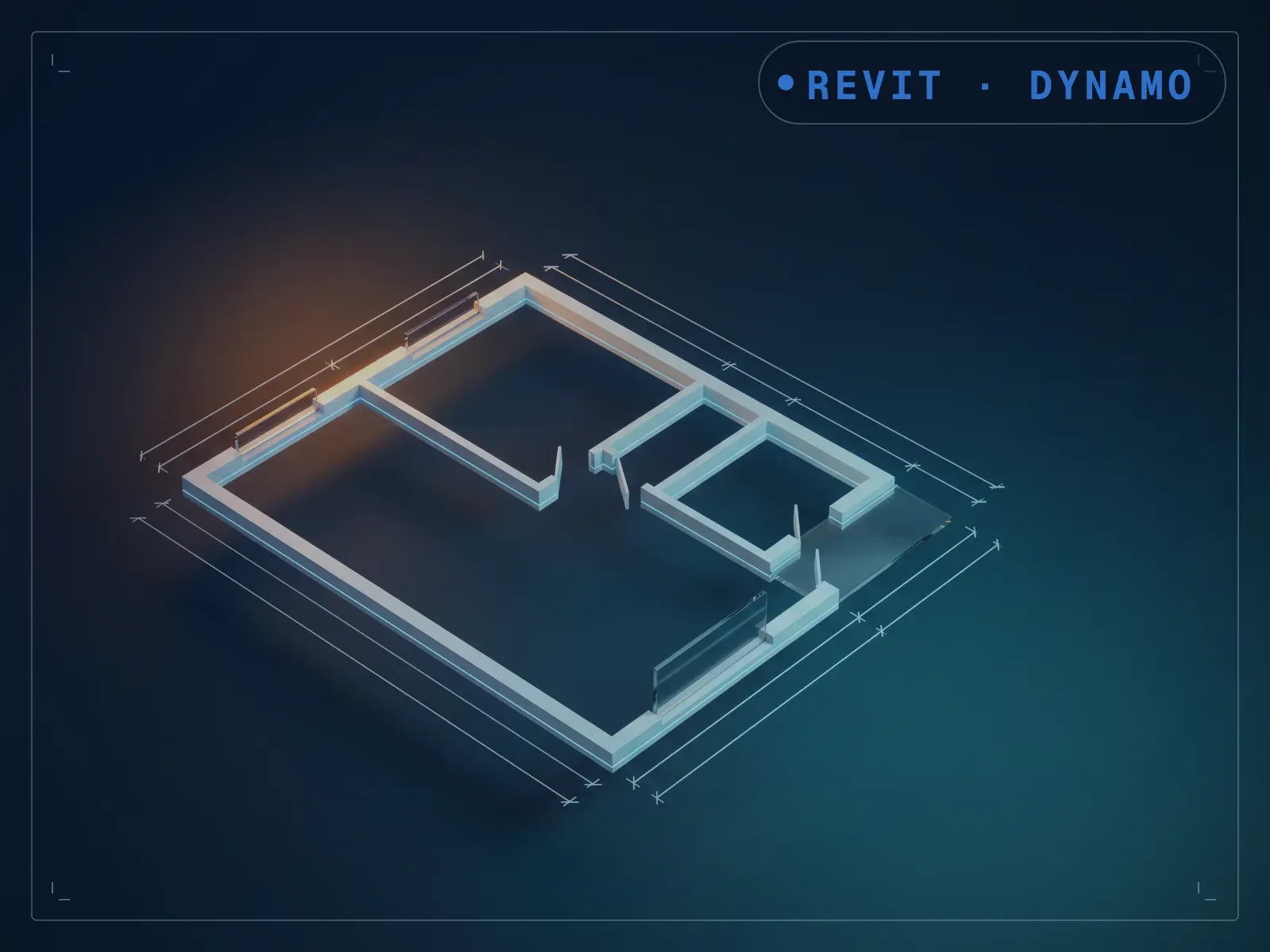
Most rooms need a dimension string across their walls before a set can issue, and stringing them by hand room after room is tedious. RoomDimension creates dimensions across a selected room's walls, curtain walls, and room-separation lines in one run. Select the room, run it, and review the dimensions it places. The manual dimension-string work most rooms need becomes a single run per room; it targets one room at a time by design, and for a full level in one pass, WallDimension uses the same underlying engine at level scale.
What is included
- room wall dimensions final2 with Coustom node.dyn — the graph itself
- RoomWallDimNonFun.dyf — the custom node the graph depends on, bundled so you do not have to hunt for it
- README.md — parameter list, requirements and licence terms
How it works
- 01
Launch Dynamo Player from the Manage tab.
- 02
Select the RoomDimension graph.
- 03
Select the room to dimension and run it.
- 04
Review the dimension strings it places.
Parameters
The sliders and inputs the tool exposes.
Questions about this product
Does it dimension a whole floor at once?
It targets one room per run by design. For a full level in one pass, see WallDimension, which uses the same underlying engine at level scale.
Do I need to know Dynamo?
Barely, day to day. It runs from Dynamo Player: select the room, run, and review the dimensions. One-time setup: install the free Spring Nodes package from Dynamo's Package Manager, which this graph uses.