RevitBackup Cleaner
Clear out Revit's auto-generated backup files from a folder.
Instant download after checkout. All sales final. Digital products are non-refundable.
Doesn't work as described? Email hayder [at] hayderalbeer [dot] com and I'll fix it or send a replacement. No refund needed, just a working tool.
Version 1.0 · Prepared 2026-07
Demo
What it does
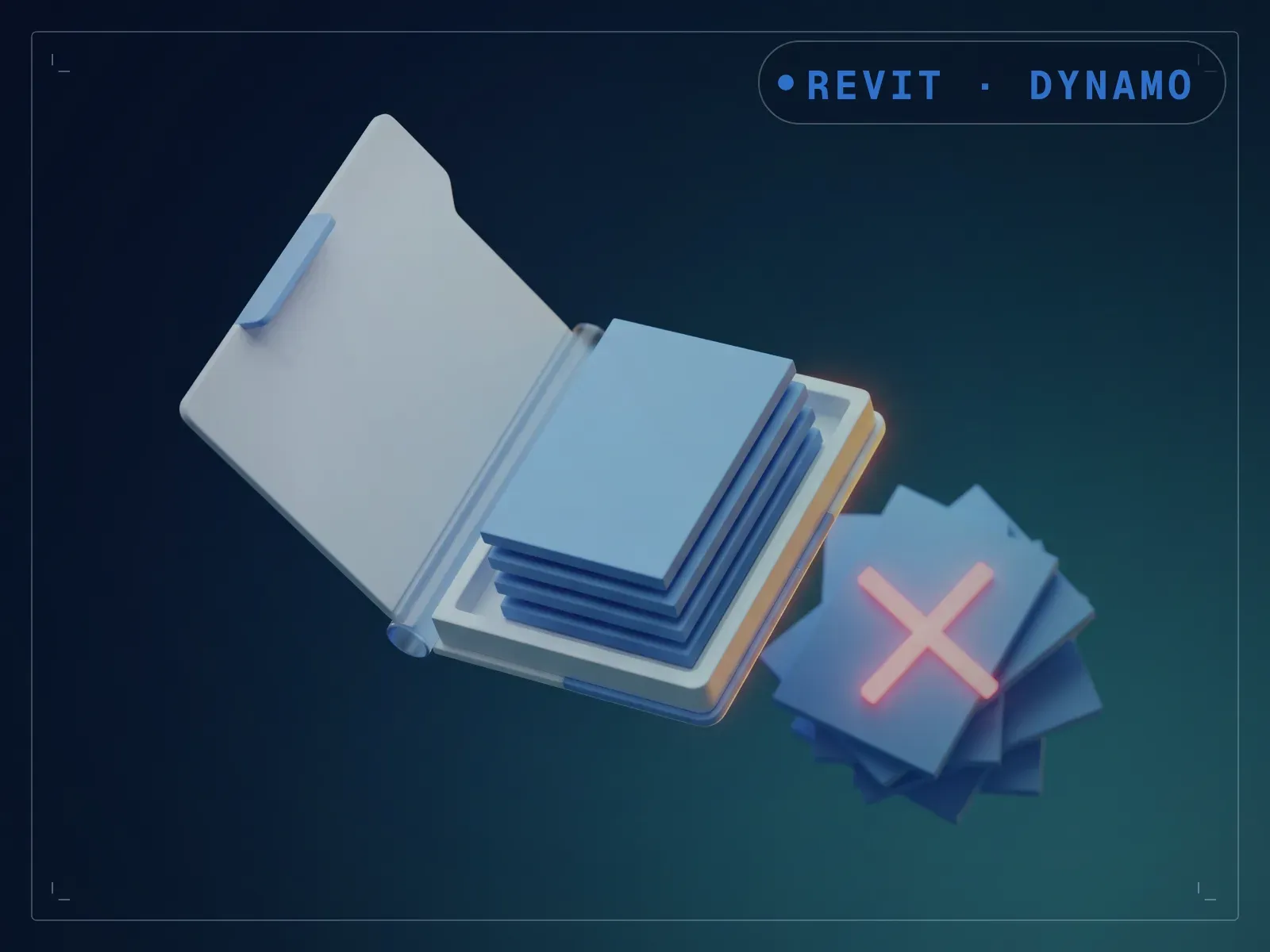
Revit's numbered backup files quietly fill a project folder over months, and clearing them by hand means picking through a list of near-identical filenames. RevitBackup Cleaner scans a folder you choose, identifies Revit's incrementing backup copies (the .0001.rvt, .0002.rvt files Revit writes on every save), and clears them out in one run. Point it at a specific project folder, confirm the path, and run it. The disk space those backups build up over a project's life gets freed in one run instead of a manual sort-and-delete pass, and it targets Revit's numbered copies only, never your central or local model file.
What is included
- RevitBackup Cleaner.dyn — the graph itself
- README.md — parameter list, requirements and licence terms
How it works
- 01
Open RevitBackup Cleaner.dyn in Dynamo. The folder is set on the canvas, so this graph is not driven from Dynamo Player.
- 02
Click the Directory node and browse to the project folder you want cleaned.
- 03
Run it. The graph walks the folder, matches Revit's numbered backup pattern, and deletes what it finds.
- 04
Read the output: it reports the files deleted, the folders deleted, and any it could not remove.
Parameters
The sliders and inputs the tool exposes.
Questions about this product
Could this delete a file I need?
It targets Revit's numbered backup copies only, not your central or local model file. Point it at a specific project folder and confirm the path before running, standard care for any tool that deletes from disk.
Do I need to know Dynamo?
No. You open the graph once in Dynamo, click the folder node and browse to the folder you want cleaned, then run. There is nothing to wire and nothing to script — but the folder is set on the canvas, not in Dynamo Player, so that one step happens inside Dynamo itself.