RoomTag Center
Re-center every room tag in one run.
Instant download after checkout. All sales final. Digital products are non-refundable.
Doesn't work as described? Email hayder [at] hayderalbeer [dot] com and I'll fix it or send a replacement. No refund needed, just a working tool.
Version 1.0 · Prepared 2026-07
Demo
What it does
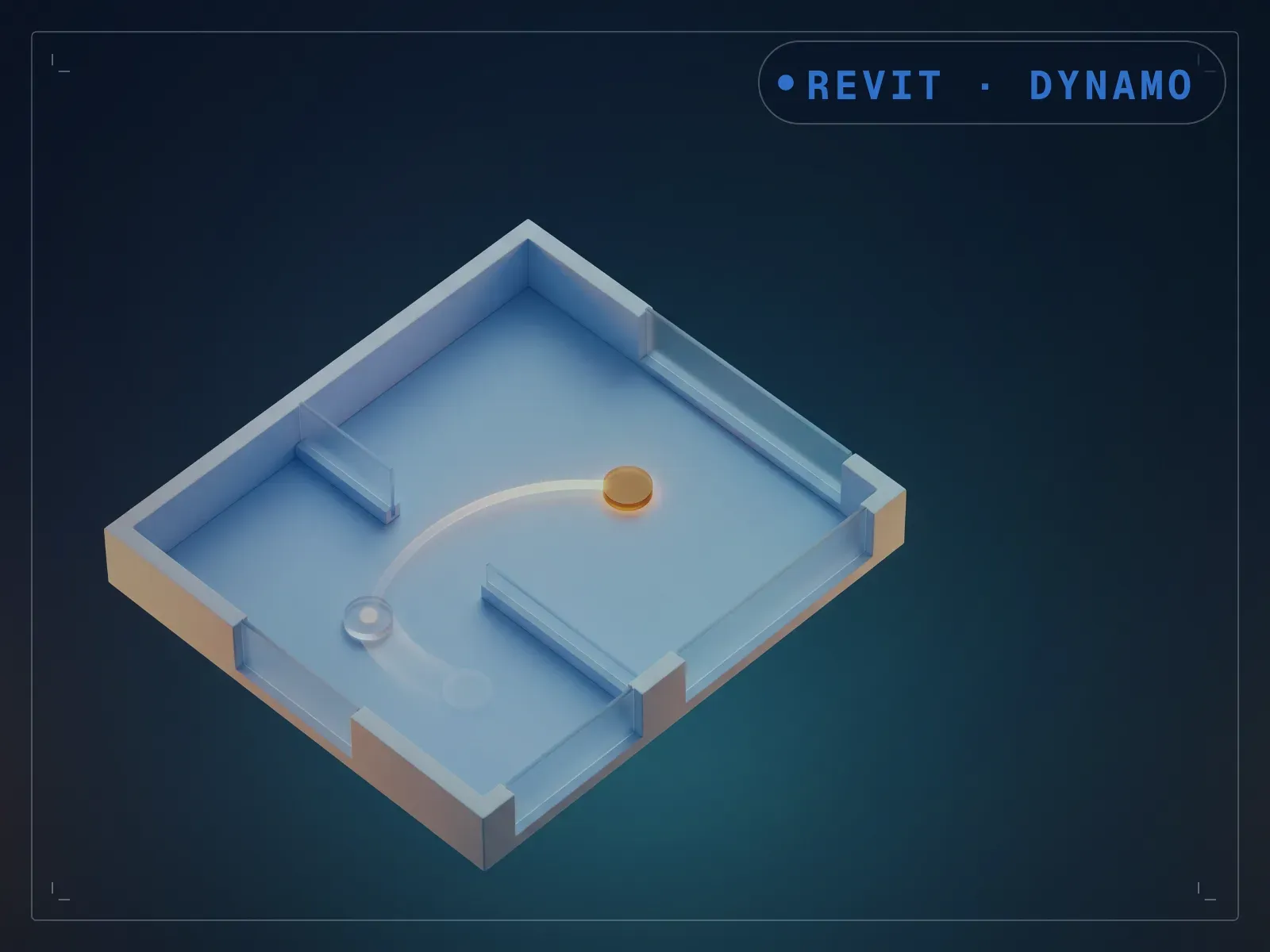
Room tagging should stay clean on its own, but tags drift off-center every time a boundary moves, and re-centering them by hand across a level is a fiddly, repetitive fix. RoomTag Center repositions room tags to the geometric center of their room across multiple rooms in one run, with no tag family changes required. Run it from Dynamo Player against the rooms you want centered. The drift you'd otherwise nudge tag by tag gets corrected in one pass, though it re-centers every tag it processes, so run it on the rooms you want centered, not the whole model, if some tags are intentionally offset.
What is included
- RoomTag Center.dyn — one build per Revit version, 2020-2024, in a folder each
- README.md — parameter list, requirements and licence terms
How it works
- 01
Launch Dynamo Player from the Manage tab.
- 02
Select the RoomTag Center graph.
- 03
Run it against the rooms you want re-centered.
Questions about this product
Will it move tags I positioned deliberately off-center?
It re-centers every tag it processes, so run it on the rooms you want centered, not the whole model, if you have intentionally offset tags.
Do I need to know Dynamo?
No. It runs from Dynamo Player: launch it from the Manage tab, and run.